
Professional LED lighting
Miboxer Controller - Smart LED Lighting Control Systems
31 products
Discover the ultimate range of Miboxer controllers designed to transform your LED lighting experience. Our comprehensive collection includes advanced Miboxer smart technology that delivers precise control, vibrant col...
Read more Show less
Discover the ultimate range of Miboxer controllers designed to transform your LED lighting experience. Our comprehensive collection includes advanced Miboxer smart technology that delivers precise control, vibrant colours, and seamless functionality for both residential and commercial lighting applications.
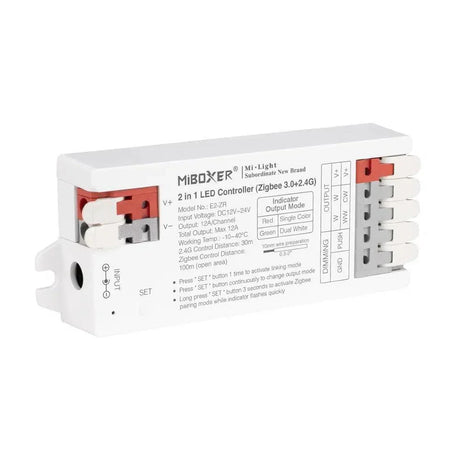
Miboxer Zigbee 3.0 E2-ZR 2 in 1 LED Light Strip Controller 12V-24V
SKU: E2-ZR£27.85Unit price /Unavailable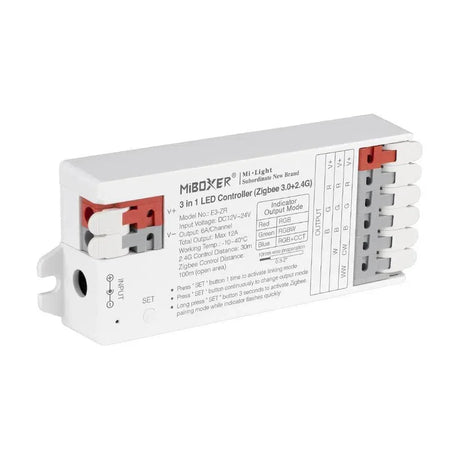
Miboxer Zigbee 3.0 E3-ZR 3 in 1 LED Light Strip Controller 12V-24V
SKU: E3-ZR£31.85Unit price /Unavailable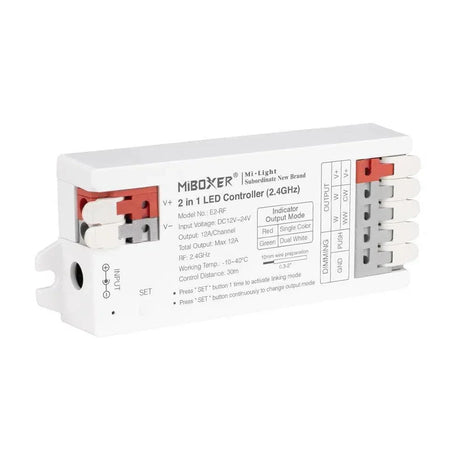
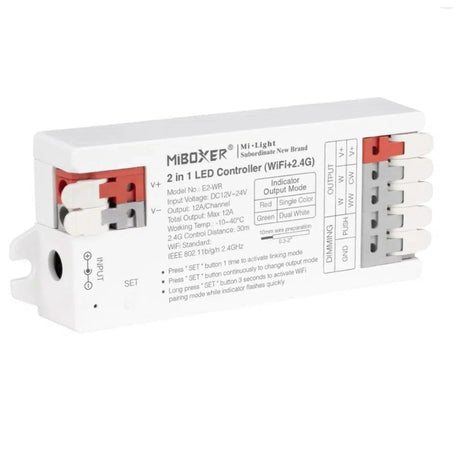
MiBoxer E2-WR 2 In 1 WiFi Smart Strip LED Strip Dimmers Controller
SKU: E2-WR£26.85Unit price /Unavailable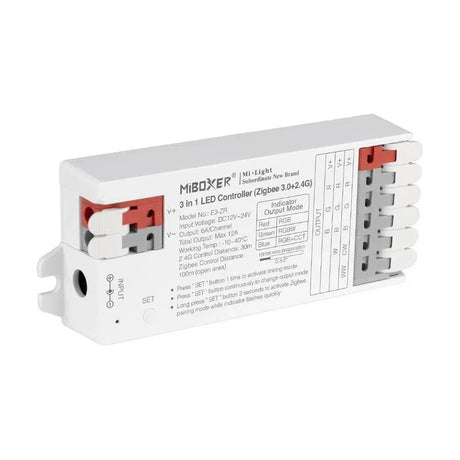
Miboxer E3-RF 2 in 1 LED RF Controller 12V-24V RGB/RGBW & RGB+CCT
SKU: E3-RF£27.85Unit price /Unavailable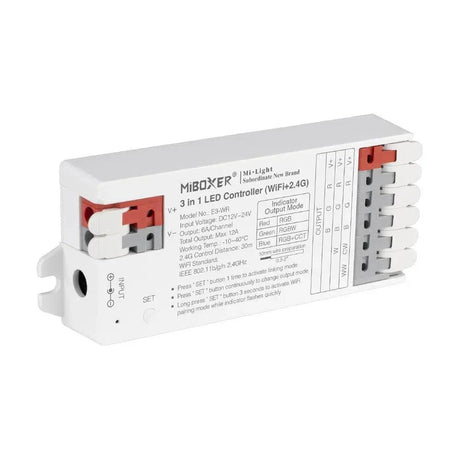
MiBoxer E3-WR 3 In 1 WiFi Smart Strip LED Strip Dimmers Controller
SKU: E3-WR£29.85Unit price /Unavailable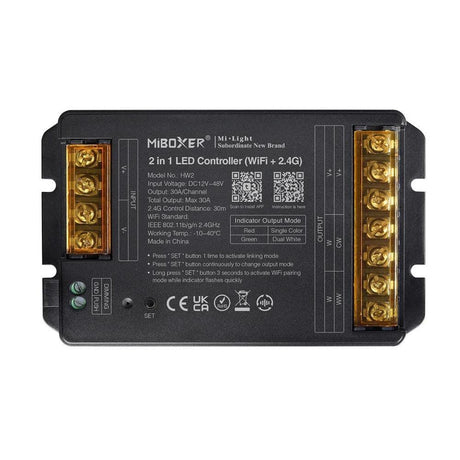
MiBoxer HW2 2 in 1 LED Controller (WiFi+2.4G) Output Max 30A 12V 48V
SKU: Miboxer-HW2£41.85Unit price /Unavailable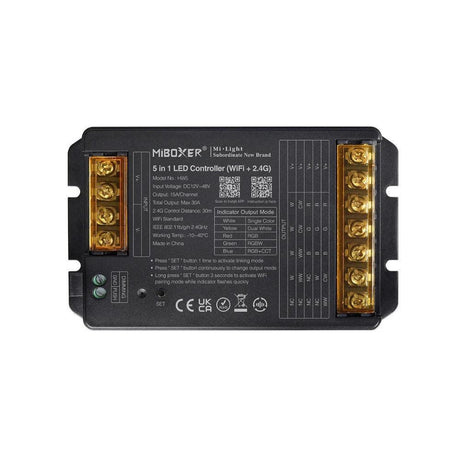
MiBoxer HW5 5 In 1 WiFi Smart Strip LED Strip Dimmers Controller 12V-48V
SKU: Miboxer-HW5£43.85Unit price /Unavailable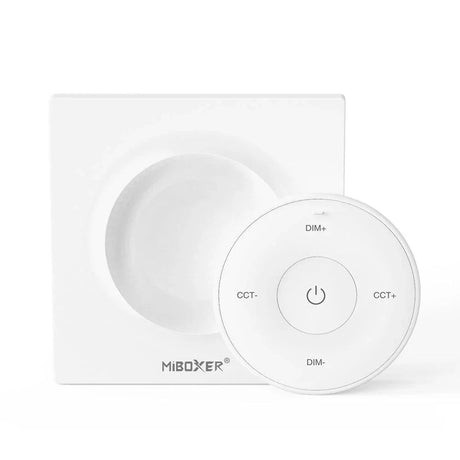
Miboxer K2 Mini Remote (2.4GHz) CCT Bulbs and Controllers White
SKU: K2-WHITE£18.95Unit price /Unavailable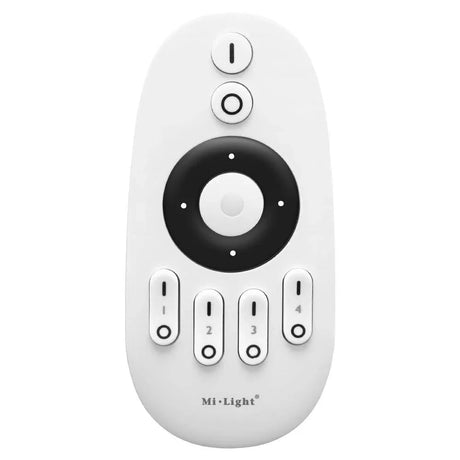
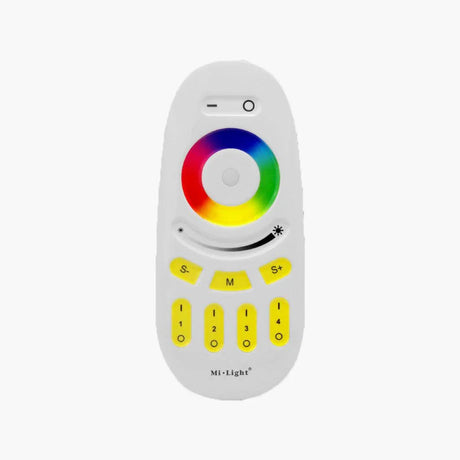
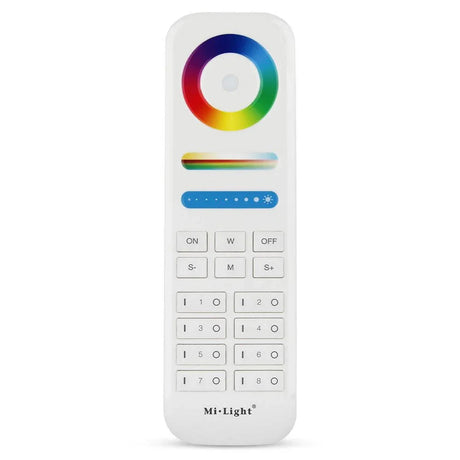
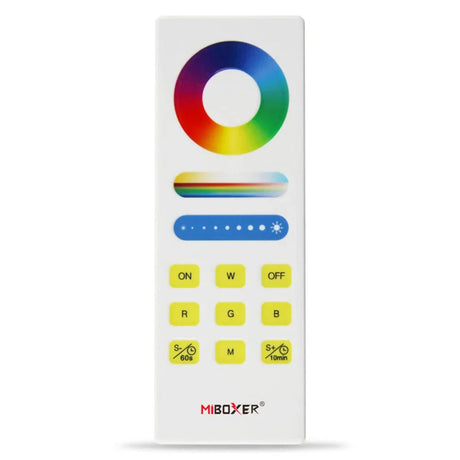
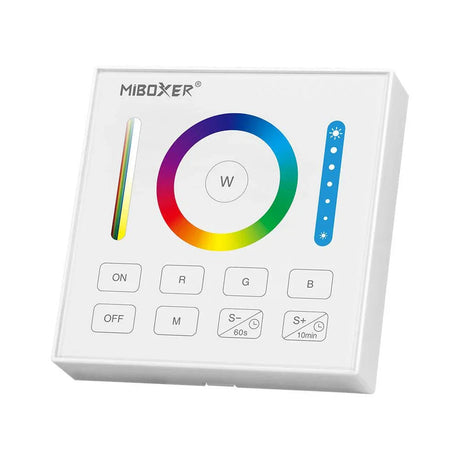
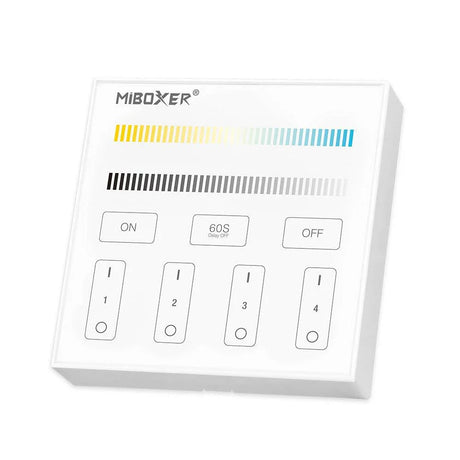
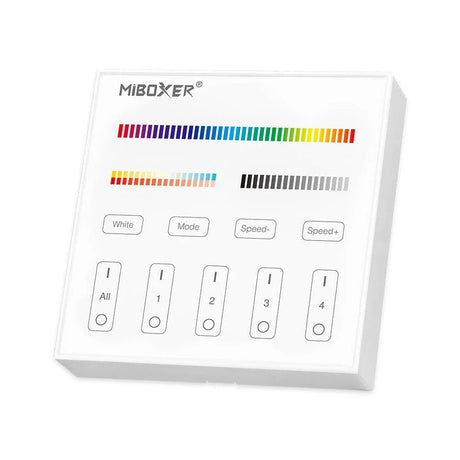
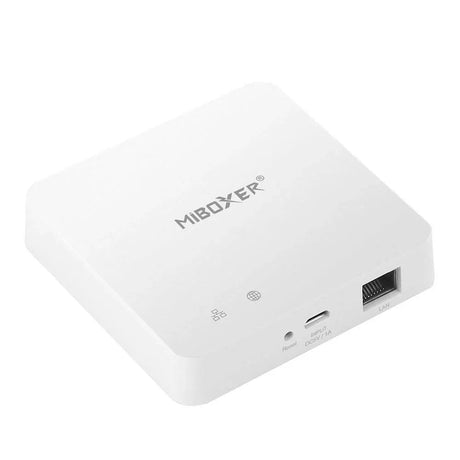
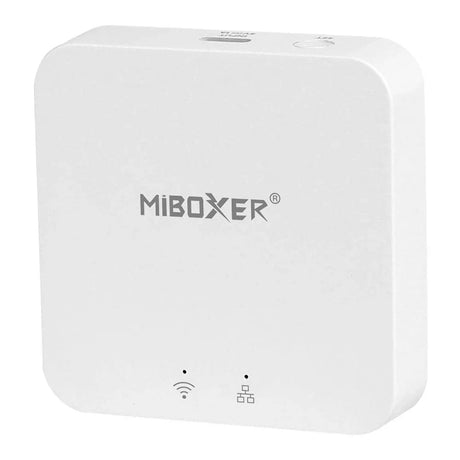
Miboxer ZBBOX3 ZIGBEE 3.0 Multimode Gateway with Bluetooth mesh
SKU: ZB-Box3£35.75Unit price /Unavailable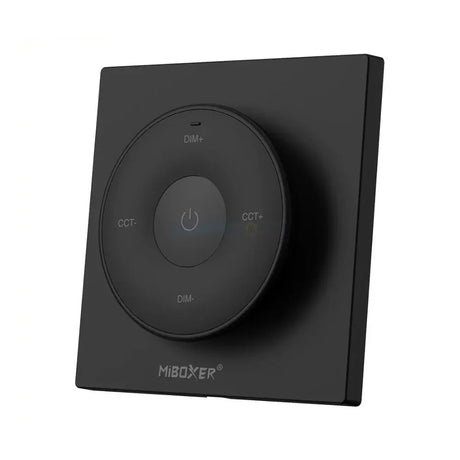
Miboxer K2 Mini Remote (2.4GHz) CCT Bulbs and Controllers
SKU: K2-BLACK£18.95Unit price /Unavailable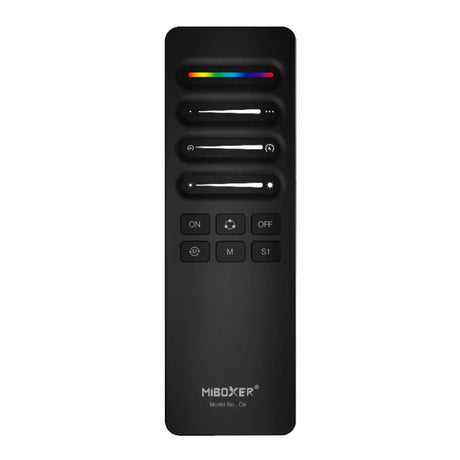
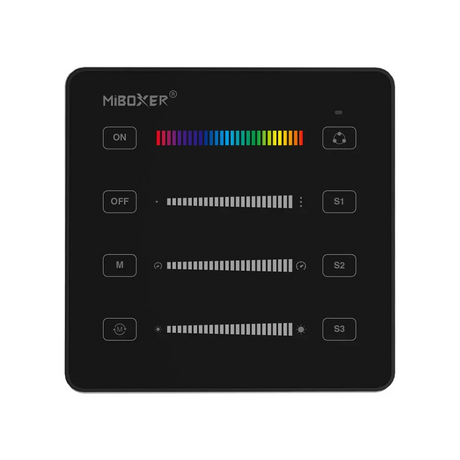
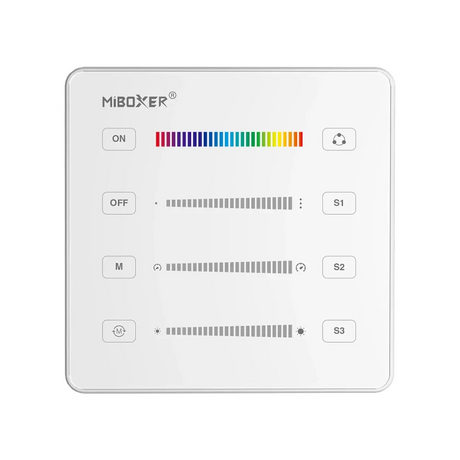
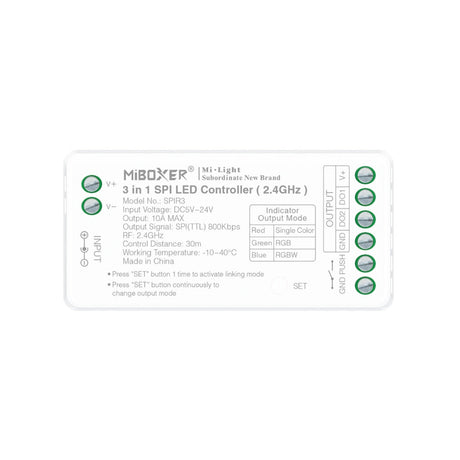
Miboxer Digital Pixel 3 in 1 SPI LED Controller SPIR3
SKU: Miboxer-SPIR3£19.85Unit price /Unavailable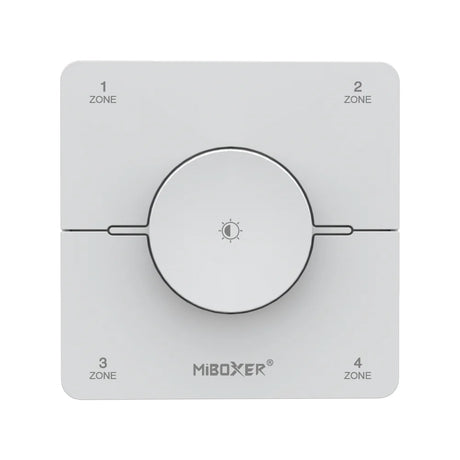
Miboxer K0S 4 Zone CCT rotating panel remote White
SKU: Miboxer-KOS-WHITE£23.75Unit price /Unavailable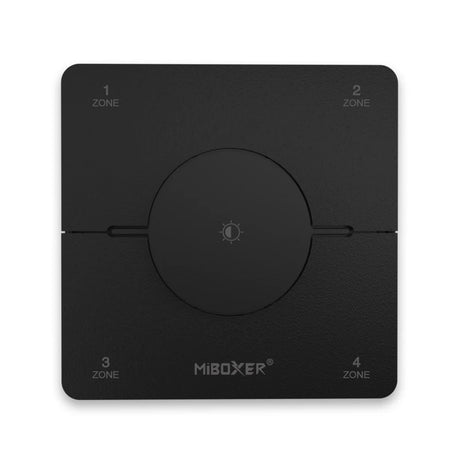
Miboxer K0S 4 Zone CCT rotating panel remote Black
SKU: Miboxer-KOS-BLACK£23.75Unit price /Unavailable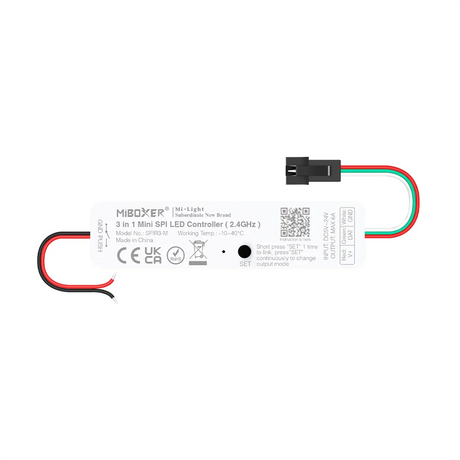
MiBoxer Mini 3 in 1 SPI LED controller (2.4GHz) SPIR3-M
SKU: Miboxer-SPIR3-M£17.25Unit price /Unavailable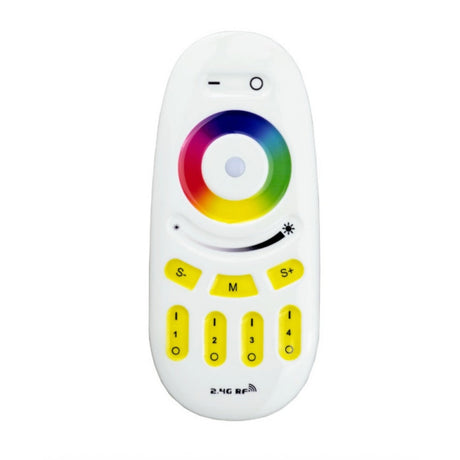
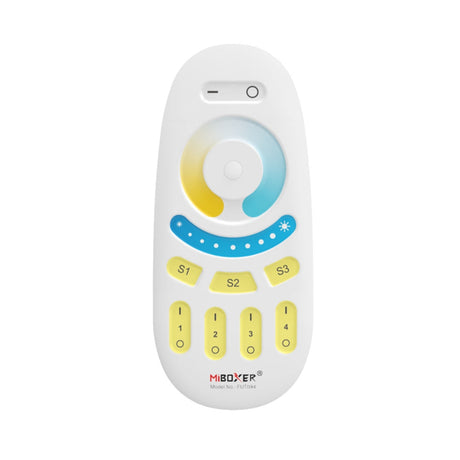

Miboxer 5 in 1 SPI+DMX LED Controller (WiFi+2.4G) SPIW5
SKU: Miboxer-SPIW5£35.95Unit price /Unavailable


Why Choose Miboxer Smart Lighting Controllers?
The Miboxer LED controller range represents the cutting edge in intelligent lighting control systems, offering unparalleled versatility and performance for your LED installations. Whether you're an experienced professional or an enthusiastic DIY homeowner, these controllers provide the perfect balance of sophisticated technology and user-friendly operation.
Key Benefits of Miboxer Technology
- Multi-voltage compatibility (12V, 24V, and 48V)
- Seamless integration with LED strips and neon flex
- Intuitive smartphone control via dedicated apps
- Extensive colour customization options
- Scene-setting capabilities for perfect ambiance
- Professional-grade reliability and performance
Explore Our Miboxer Controller Range
RGB and RGBW Controllers
Experience dynamic colour control with our Miboxer RGB and Miboxer RGBW controllers. These versatile units allow you to create stunning colour effects, smooth transitions, and personalized lighting scenes. The Miboxer RGB LED controller range supports full spectrum colour mixing, giving you unlimited creative possibilities for your lighting projects.
CCT Controllers for Tunable White
Our Miboxer CCT controller collection offers precise temperature adjustment for white light applications. Whether you need warm, cozy lighting for relaxation or bright, crisp illumination for task-focused environments, these controllers deliver exceptional performance with smooth dimming capabilities.
Single Colour LED Controllers
For applications requiring refined control over brightness levels, our Miboxer single colour LED controller options provide flawless dimming and simple operation. Perfect for accent lighting, architectural details, or general illumination where consistent, reliable control is essential.
Control Options to Suit Your Style
Miboxer Remote Controls
Our range of Miboxer remote options includes everything from compact Miboxer mini remote units to sophisticated multi-zone controllers. These Miboxer remote controls offer intuitive operation, responsive performance, and exceptional range for convenient lighting management from anywhere in your space.
Wall-Mounted Controllers
For permanent installations, our wall-mounted Miboxer touch screen LED RGB controllers combine elegant design with powerful functionality. These controllers integrate seamlessly with your interior décor while providing immediate access to your preferred lighting settings.
WiFi and App Control
Step into the future of lighting control with Miboxer WiFi controllers. These advanced units connect directly to your home network, allowing for comprehensive control via smartphone apps. Adjust colours, brightness, scenes, and even set schedules from anywhere – putting complete lighting control at your fingertips.
Technical Excellence in Every Controller
Each Miboxer LED strip controller in our collection is engineered to deliver exceptional performance and reliability. As Miboxer LED drivers, these units provide stable power output, smooth control, and robust protection features that ensure long-term operation and safety for your LED installation.
Our Miboxer RGB+CCT LED controllers represent the pinnacle of the range, offering both full colour mixing capability and precise white temperature control in a single unit. These sophisticated controllers deliver the ultimate in lighting flexibility, allowing you to create exactly the right atmosphere for any occasion or environment.
Frequently Asked Questions
What is the MiBoxer smart LED control system, and how do its 2.4 GHz RF controllers, remotes, and Wi-Fi hub work together?
MiBoxer is a modular smart-lighting ecosystem where battery-free 2.4 GHz RF remotes/wall panels communicate with local RF controllers, and a Wi-Fi hub/gateway bridges those RF devices to your home network and mobile app for remote control, scheduling and voice integration.
Compare MiBoxer controller models and their key differences.
MiBoxer ranges cover single-colour, CCT (tunable white), RGB, RGBW and RGB+CCT multi-channel controllers as well as pixel controllers; models differ by channel count, max current per channel, input voltage range, RF vs Wi-Fi capability, and advanced features such as scene memory, music sync or Tuya/Smart Life hub compatibility.
Which MiBoxer controllers support Tuya Smart or Smart Life app?
Some MiBoxer Wi-Fi gateway/hub models and hub-paired devices can be integrated into Tuya/Smart Life ecosystems via cloud or local bridges; compatibility depends on the exact hub/firmware so check the product page or packaging for explicit “Tuya/Smart Life” support.
MiBoxer controllers compatible with 220V RGB strip installations
Most MiBoxer controllers are low-voltage (12–24V) DC devices; only mains-rated MiBoxer products or those explicitly listed as 220–240V should be used with direct-mains RGB strips always confirm the controller’s input and output voltage on the datasheet before connecting.
Power and current limits for popular MiBoxer models
MiBoxer controllers commonly specify per-channel limits in the range of ~5 A (typical small units) up to 10 A or more on pro models, so total wattage will depend on operating voltage (e.g., 5 A × 12 V = 60 W per channel); always use the model datasheet to confirm exact amp and watt ratings and include safety headroom.
How to wire a MiBoxer FUT039 RGB CCT controller step-by-step guide
(General wiring) 1) Isolate power, connect the DC supply positive/negative to the controller V+ and V−; 2) connect the strip’s channels to the controller outputs (R, G, B, and WW/CW per labelling) observing polarity; 3) power up and pair the RF remote or add the unit to the hub/app; 4) test channels individually before final mounting, and always follow the official wiring diagram in the user manual.
How do you wire a MiBoxer controller between a 12–24V LED driver and LED strip, and what polarity/connection rules must be followed?
Connect the LED driver’s + and − to the controller V+ and V− terminals, then connect the strip’s +/− and channel outputs to the corresponding controller terminals, ensuring correct polarity and using short, adequately sized cables to minimise voltage drop.
How to wire a MiBoxer controller for multiple zones or long runs
Divide long runs into zones, run separate fused feed cables or local power injections to each zone, and either wire each zone to its own controller or use multiple controllers paired to the same remote/hub to distribute load and avoid voltage drop.
How are MiBoxer controllers paired and grouped with RF remotes and wall panels across multiple zones?
Pair each controller to a remote or wall panel using the manufacturer’s pairing procedure (usually press-and-hold buttons on the controller or remote); groupings are formed by assigning multiple controllers to the same remote/group ID so they act as a single zone.
What steps are needed to connect MiBoxer controllers to a Wi-Fi hub and mobile app?
Install the MiBoxer hub, connect it to your router, open the MiBoxer (or compatible) app, follow the in-app pairing steps to add the hub, then add and assign RF controllers to zones via the hub for remote/cloud control and voice integration.
How do MiBoxer RF remotes and wall panels differ (single-zone vs multi-zone, touch wheel vs buttons)?
RF remotes vary from simple single-zone transmitters to multi-zone remotes and wall panels with touch colour wheels, scene buttons, or sliders touch wheels give direct colour selection while button remotes are better for quick presets and multi-zone switching.
What advanced features do MiBoxer RGB+CCT controllers offer (scenes, saturation control, dynamic modes)?
Advanced MiBoxer RGB+CCT controllers typically include programmable scenes, adjustable saturation/temperature, dynamic effects, speed controls, timers and often music-sync functions, either built into the remote or configurable via the app.
How does dimming performance (smoothness, low-level control, PWM frequency) on MiBoxer controllers compare with basic budget controllers?
MiBoxer units typically use higher PWM frequencies and better dimming algorithms than cheap controllers, resulting in smoother low-level dimming and reduced visible flicker and camera banding, though exact performance varies by model.
How can MiBoxer controllers be integrated with Alexa, Google Assistant, or Tuya/Smart Life for voice and app control?
Integration is achieved by pairing the MiBoxer hub with your Wi-Fi network and enabling the corresponding skill/service in Alexa/Google, or by using a Tuya/Smart Life compatible gateway verify that your hub/firmware supports the chosen voice platform.
What are the pros and cons of using a MiBoxer RF + Wi-Fi ecosystem versus purely Wi-Fi smart controllers in residential projects?
RF+Wi-Fi gives reliable local control even when the network is down and simple, low-latency remote operation, while Wi-Fi-only controllers simplify cloud integration but may lose function during network outages; RF+Wi-Fi adds a small layer of system complexity but increases robustness.
Can MiBoxer controllers be used alongside existing wall switches or push-buttons without losing smart functionality?
Many MiBoxer controllers support momentary (PUSH) switch inputs or retain RF/app control while accepting conventional switches, allowing hybrid control; check device specs for supported input types before wiring.
Which MiBoxer controller types are best suited for coves, profiles, and neon flex in homes versus commercial or hospitality projects?
For homes choose compact single-colour, CCT or RGBW controllers paired with the MiBoxer hub for app control; for commercial/hospitality opt for higher-current multi-channel units, DMX/Art-Net capable models or hub-enabled systems that support zoning and central control.
What should buyers compare when choosing MiBoxer controllers (channel count, max A/W, supported strip types, remote compatibility, warranty)?
Compare channel type (single-colour/CCT/RGB/RGBW/RGB+CCT/pixel), maximum current per channel and total wattage, supported voltages and strip formats, remote and hub compatibility (RF, Wi-Fi, Tuya), available scenes/automation, certifications and warranty length.
What voltage do MiBoxer controllers support?
Most MiBoxer low-voltage controllers support 12–24 V DC; some models and mains-rated variants support wider ranges or direct 220–240 V always confirm the supported input voltage on the specific product datasheet.
Can I control multiple zones with one MiBoxer system?
Yes MiBoxer remotes, panels and the Wi-Fi hub support multi-zone control so you can independently address numerous controllers/zones within the same system.
Are MiBoxer controllers compatible with voice assistants?
Yes when used with a compatible Wi-Fi hub or through Tuya/Smart Life integration, MiBoxer devices can be controlled by Alexa and Google Assistant subject to model and firmware support.
How do I sync multiple MiBoxer controllers together?
Sync by pairing each controller to the same RF remote or wall panel group, or register them to the same zone in the Wi-Fi hub/app so they receive identical commands simultaneously.
What's the difference between RGB and RGBW controllers?
RGB controllers mix red, green and blue channels only, while RGBW controllers add a dedicated white channel for improved whites and higher-quality tinting without relying solely on RGB mixing.