
Professional LED lighting
Digital SPI Controllers
21 products
Digital Pixel SPI LED controllers are designed to control digital addressable LED strip lights, both in single color and RGB, to create dynamic lighting effects that can move seamlessly along the length of the strip. ...
Read more Show less
Digital Pixel SPI LED controllers are designed to control digital addressable LED strip lights, both in single color and RGB, to create dynamic lighting effects that can move seamlessly along the length of the strip. These Pixel Addressable RGB/RGBW SPI LED controllers operate at 5V-24V DC and feature wireless RF 2.4GHz technology. With a downloadable app, you can easily control and customize the lighting effects, and the system also allows for pairing with a remote for added convenience.
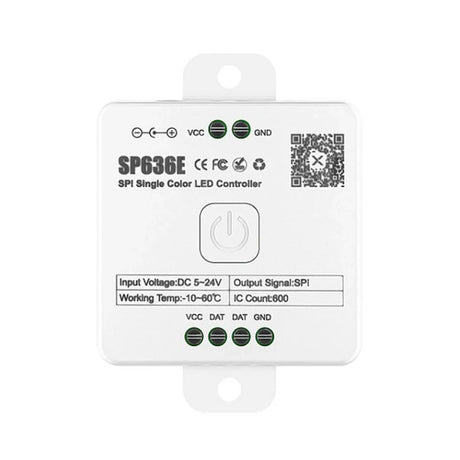
SP636E DC5-24V Addressable LED Strip Dimmer Bluetooth Music Control
SKU: SP636E-SPI£19.75Unit price /Unavailable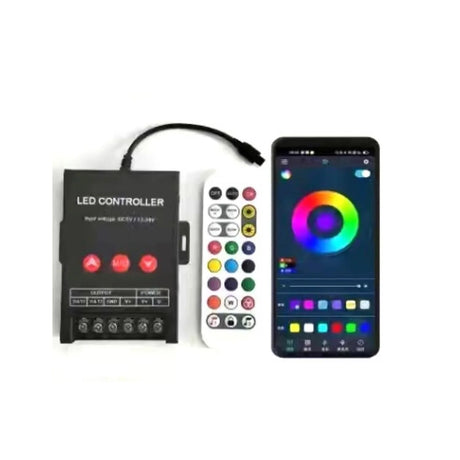 SKU: DRGB1224VCONTR-BT£38.95Unit price /Unavailable
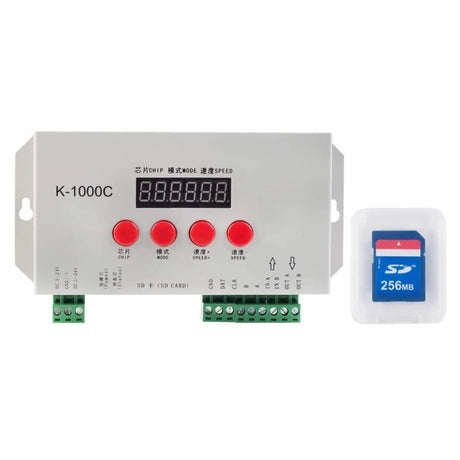 SKU: DPRGBCON1000K£48.65Unit price /Unavailable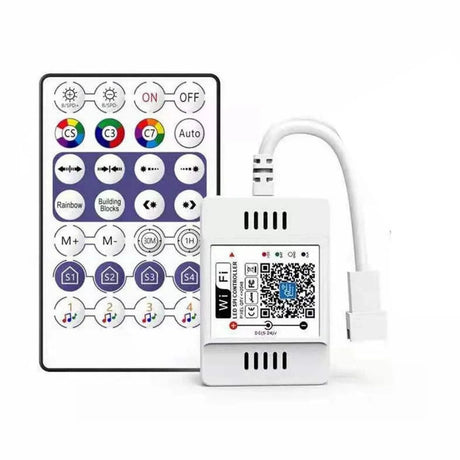
Magic Home Digital Pixel RGB Controller 12V/24V WiFi Pixel Controller for WS2811 WS2812
SKU: MHDPRGBC12V24V£18.65Unit price /Unavailable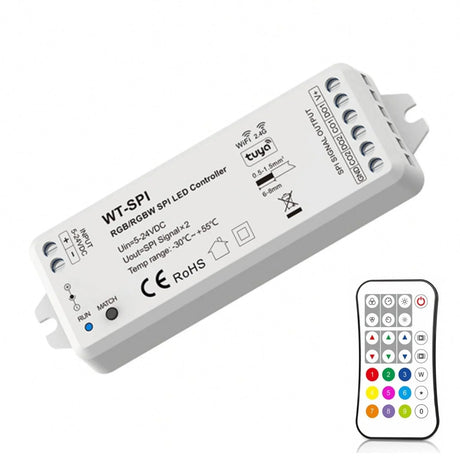 SKU: SKYD-WT-SPI-R9£69.75Unit price /Unavailable
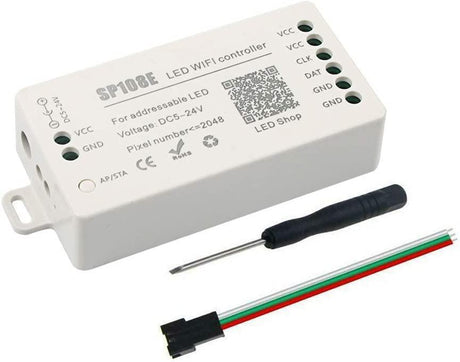 SKU: DPRGBC524V-WIFI£28.95Unit price /Unavailable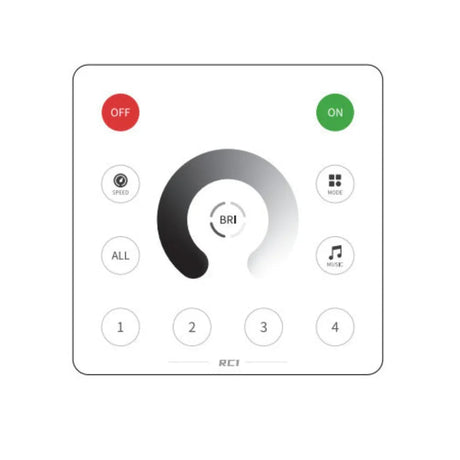
Wall Panel Remote for SP636E DC5-24V Addressable LED Strip Controller RC1
SKU: SPI-RC1-WALPANEL£17.85Unit price /Unavailable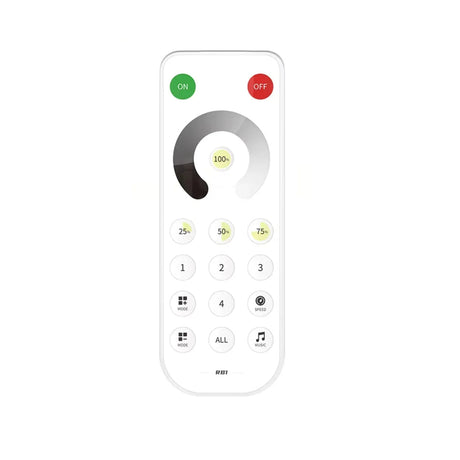
Remote for SP636E DC5-24V Addressable LED Strip Controller RB1
SKU: SPI-RB1-REMOTE£17.95Unit price /Unavailable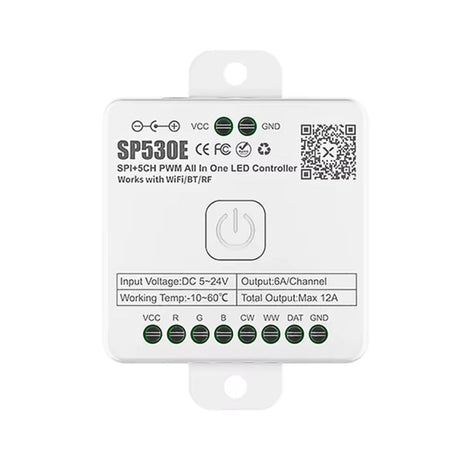
SP530E All in One DC5-24V WiFi and Bluetooth Controller
SKU: SP530E-SPI£33.95Unit price /Unavailable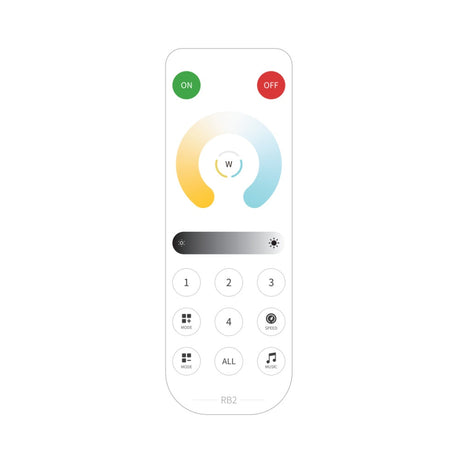
SP530E Remote for DC5-24V CCT LED Strip Controller RB2
SKU: CCT-RB2-REMOTE£15.85Unit price /Unavailable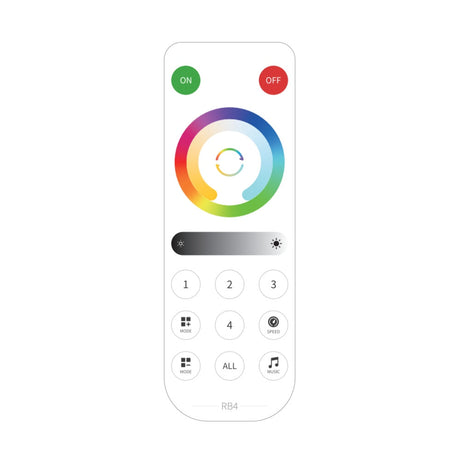
SP530E Remote for DC5-24V RGB CCT LED Strip Controller RB4
SKU: RGBCCT-RB4£15.85Unit price /Unavailable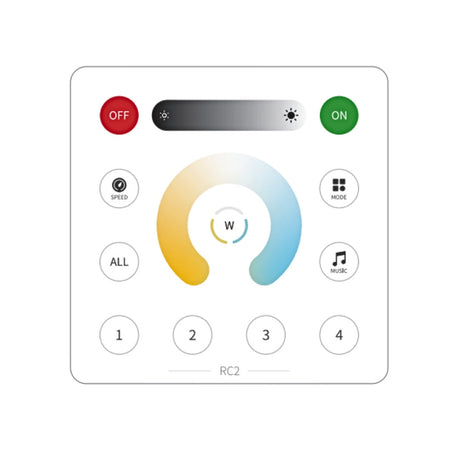
SP530E CCT Wall Panel Controller DC5-24V CCT LED Strip Controller RC2
SKU: WALLP-RC2£19.85Unit price /Unavailable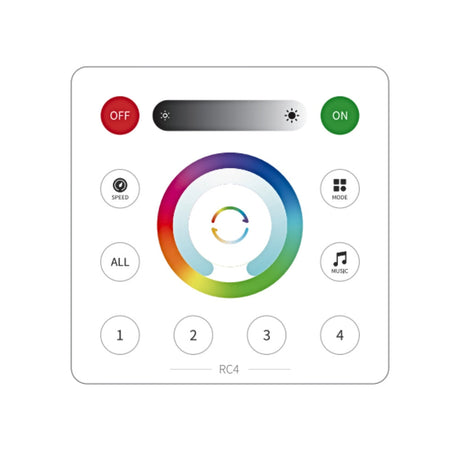
SP530E RGB CCT Wall Panel Controller DC5-24V LED Strip Controller RC4
SKU: WALLP-RC4£19.85Unit price /Unavailable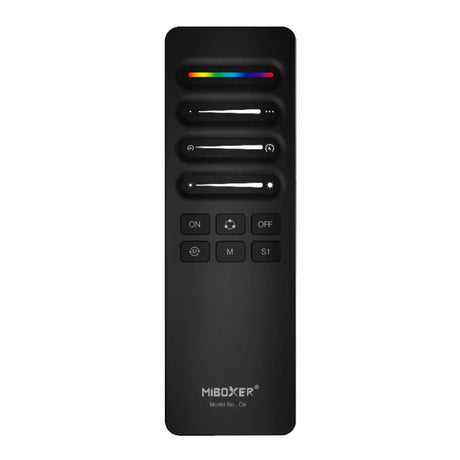
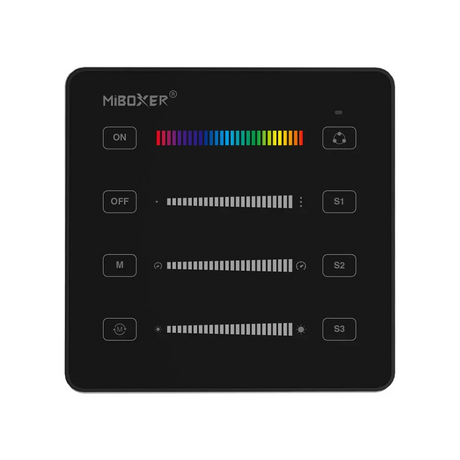
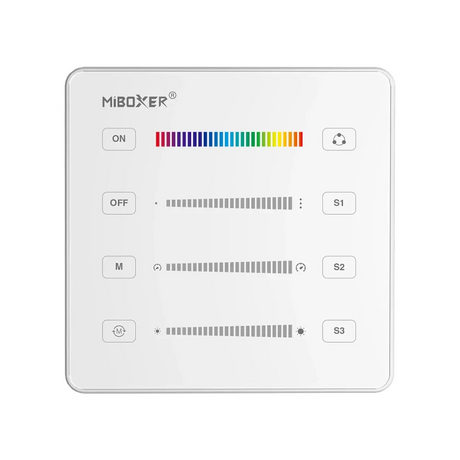
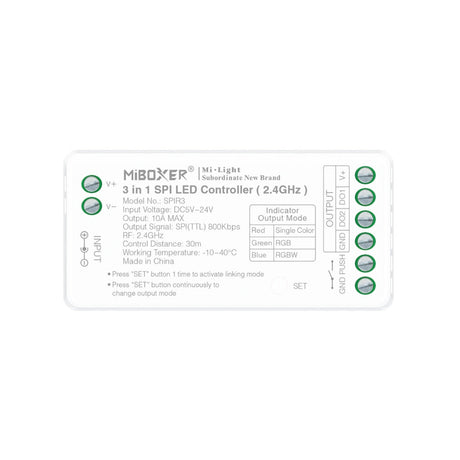
Miboxer Digital Pixel 3 in 1 SPI LED Controller SPIR3
SKU: Miboxer-SPIR3£19.85Unit price /Unavailable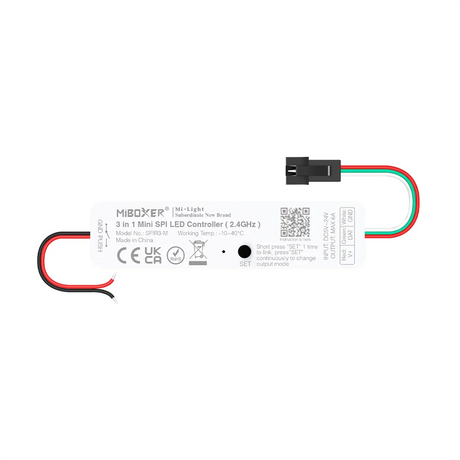
MiBoxer Mini 3 in 1 SPI LED controller (2.4GHz) SPIR3-M
SKU: Miboxer-SPIR3-M£17.25Unit price /Unavailable
Miboxer 5 in 1 SPI+DMX LED Controller (WiFi+2.4G) SPIW5
SKU: Miboxer-SPIW5£35.95Unit price /Unavailable


FAQ's
Compare features of top digital SPI LED controllers
Top SPI controllers differ by supported ICs, maximum pixel count, output voltage (5–24V), number of simultaneous data channels, PWM frequency, networking (Wi-Fi/ETH/Tuya/Art-Net), music-sync and effect engines, and whether they offer built-in pixel mapping, OTA updates and robust app/SDK support.
Which SPI controllers support WS2812b and SK6812 ICs?
Most modern SPI pixel controllers (including popular Tuya/Wi-Fi and DIY WLED-compatible units) explicitly list WS2812B and SK6812 among supported ICs — always check the controller spec sheet for an IC compatibility list before buying.
How to wire a SPI pixel controller to a 5V power supply
Connect the 5V positive and ground from the PSU to the controller V+ and GND, run the controller’s data output to the pixel strip data-in (respecting the data direction arrow), and ensure the strip’s 5V and ground are tied to the same PSU ground; add an inline fuse on the +V feed for safety.
Max pixels supported per controller and power calculations
Maximum pixels depend on the controller’s memory/processing and the power budget — practically many controllers handle thousands of pixels but power (and data timing) usually becomes the limiting factor; calculate supply watts by multiplying watts per pixel by pixel count and allow significant headroom for peak white.
How to configure SPI controller in Tuya or third party apps
Use the controller’s Wi-Fi onboarding (or the hub) to add it to the Tuya/Smart Life app, then select pixel type, set pixel count and wiring (single/dual wire), assign zones, and customise effects or schedules in the app’s pixel/effects section.
What is the difference between a digital SPI pixel controller and a standard RGB/RGBW LED controller?
A digital SPI controller sends serialized data so each LED/pixel is addressable and animatable individually, whereas standard RGB/RGBW controllers use analogue PWM channels to control whole segments or entire strips as single colour zones.
How many pixels can a typical 5–24 V SPI controller run, and how does pixel count affect performance and power design?
Many controllers can handle hundreds to thousands of pixels logically, but pixel count greatly increases power demand and data bandwidth — more pixels mean higher peak current, more power injection points, and occasionally the need for data repeaters or segmented controllers.
Which IC types are supported by common digital SPI controllers used with pixel neon flex?
Common supported ICs include WS2811, WS2812/WS2812B, SK6812, UCS1903, APA102 and similar SPI/SERIAL addressable LEDs, though exact lists vary so verify per-model compatibility.
How do you wire a digital SPI controller to a 5 V or 24 V pixel strip, and what are the rules for data direction and signal injection?
Connect supply + and ground to the strip and controller, route the controller data out to the strip’s data-in following the arrow, keep data cable short or use twisted pair, and inject power every few metres or at logical segments to prevent voltage drop and browning-out.
How do Tuya-enabled SPI controllers with music-sync and app control compare to basic RF-only pixel controllers?
Tuya-enabled controllers add remote/cloud control, scheduling, voice integration and advanced app effects, while RF-only controllers are simpler and work locally but usually lack remote/cloud features and complex scene editing.
How does a digital SPI pixel controller work compared with a standard PWM RGB/RGBW controller for analogue LED strips?
Digital SPI controllers stream timed data packets for each pixel to addressable ICs (enabling per-pixel colour/effects), whereas PWM RGB controllers vary duty cycles on fixed channels to dim whole channels but can’t target individual LEDs.
What is the difference between SPI, DMX, and addressable IC control, and when should each be used?
SPI (or similar serial protocols) is ideal for individually addressable pixels and local effects, DMX is a robust, standardised professional lighting protocol for channelised fixtures and large stage/architectural systems, and “addressable IC control” (SPI-style) is used when per-pixel animations are needed; choose SPI for decorative pixel work and DMX for centralised, large-scale installations.
How many pixels can a typical SPI controller handle, and what limits the maximum pixel count in real installations?
While controllers may logically support thousands of pixels, practical limits are set by power delivery, data timing/buffer memory, heat, controller processing and latency — plan by power budget and consider segmenting when totals grow large.
How do you wire a 5–24 V SPI controller to addressable LED strips, including data direction, grounding, and power injection points?
Wire the PSU +/− to both controller and strip, ensure the controller ground is common with strip ground, connect data OUT to strip data IN following arrows, inject additional PSU feeds at intervals or segment boundaries, and keep data lines as short as possible or use level shifters for long runs.
How are chip type, RGB order, and pixel length set on modern SPI controllers such as WT-SPI using the RF remote?
WT-SPI and similar controllers let you enter a configuration/pairing mode where you select IC type, set RGB order (eg. GRB vs RGB) and input pixel count using remote button sequences or app menus so the controller drives the strip correctly.
What are the best practices for avoiding data signal issues on long SPI runs (cable type, distance, amplifiers)?
Use short data runs, twisted-pair or shielded cable with data on a single conductor, add level shifters to raise data to strip voltage, insert data repeaters/amplifiers or split the run into segments, and keep data line lengths under recommended distances (often <5–10 m without buffering).
What built-in effects and scene options do Tuya-enabled SPI controllers offer, and how can users create custom pixel animations from the app?
Tuya-enabled pixel controllers usually include preset chases, gradients, colour wipes and music-sync, plus app tools or scene editors to compose custom sequences by assigning colours, speeds and durations to pixel ranges or saving multi-zone scenes.
How does music-sync work on digital SPI controllers, and what are the limitations for professional audio-visual projects?
Music-sync samples audio via a mic input or line-in and maps beat/frequency data to prebuilt effects in real time; it’s good for consumer installations but may lack the precision, latency control and timecode features required for professional AV work.
How can SPI controllers with Tuya/Alexa/Google integration be used for everyday room lighting as well as decorative pixel effects?
Use zones and simpler scenes for general lighting (soft whites or gentle ambiences) while reserving pixel animations for accent or decorative modes, and expose basic on/off/brightness controls to voice assistants while keeping advanced effects in the app.
Which projects benefit most from SPI pixel control and what should installers plan for?
Gaming rooms, bars, creative façades and signage all benefit from per-pixel effects; installers should plan pixel density, power-injection locations, data routing, thermal management and whether synchronisation or professional protocols are required.
How should power supplies and cabling be sized for high-density pixel neon flex at 5 V versus 24 V?
At 5V you’ll need much higher current (thicker cables, more injection points) because pixel current is higher per LED, while 24V pixel systems reduce current and cable gauge but use DC-DC converters or specific 24V addressable ICs — calculate total wattage = W/pixel × pixels and size PSU and cables with ample headroom and local injections.
What safety and EMC considerations apply when installing long runs of SPI-controlled pixel strips in commercial environments?
Follow earthing and segregation rules, use EMC-rated cabling and enclosures, fit surge protection, ensure proper cable management to avoid interference between power and data lines, and comply with local electrical codes and EMI standards for commercial installs.
How to set pixel count and chip type on a WT SPI controller
Enter the controller’s configuration mode (per WT-SPI manual), select the chip/IC type and enter the total pixel count (often via remote button sequences or app UI), then save so the controller indexes and maps pixels correctly.
Wiring diagram for connecting multiple SPI strips to one controller
Connect the controller data output to the first strip’s data-in, then either daisy-chain data out to the next strip (ensuring single data direction) or run parallel data feeds from the controller’s multiple data outputs if provided; always inject power to each strip segment and keep a common ground.
How to troubleshoot no signal on SPI data line
Check that ground is common, confirm data is on the correct pin and direction, verify IC type and RGB order settings, try shortening the data cable, test with a logic probe or oscilloscope, replace the controller or strip connector, and ensure level shifting is used when voltage levels differ.
Power supply sizing for long SPI LED runs
Total required PSU wattage = pixels × W per pixel (at full white) plus 20–30% headroom; distribute multiple PSUs for long runs with local injection and ensure PSUs share a common ground and are fused appropriately.
Differences between single wire and dual wire SPI strips
Single-wire ICs (eg. WS2812) use a single data line plus power and ground and need tight timing, while dual-wire or separate-clock ICs (eg. APA102) use data and clock lines which eases timing constraints, allows higher refresh rates, and is more robust over longer data runs.